The Boost API
Power users can drive the Boost store from their own tooling. The API is Perfect-Panel compatible — the de-facto standard of the panel market — so existing reseller tools work against it with only a URL and key change. It uses the same catalogue, the same prices and the same wallet as your dashboard.
The always-current reference lives in your dashboard at https://onflowads.com/telegram/dashboard/boost/api. This page summarises it.
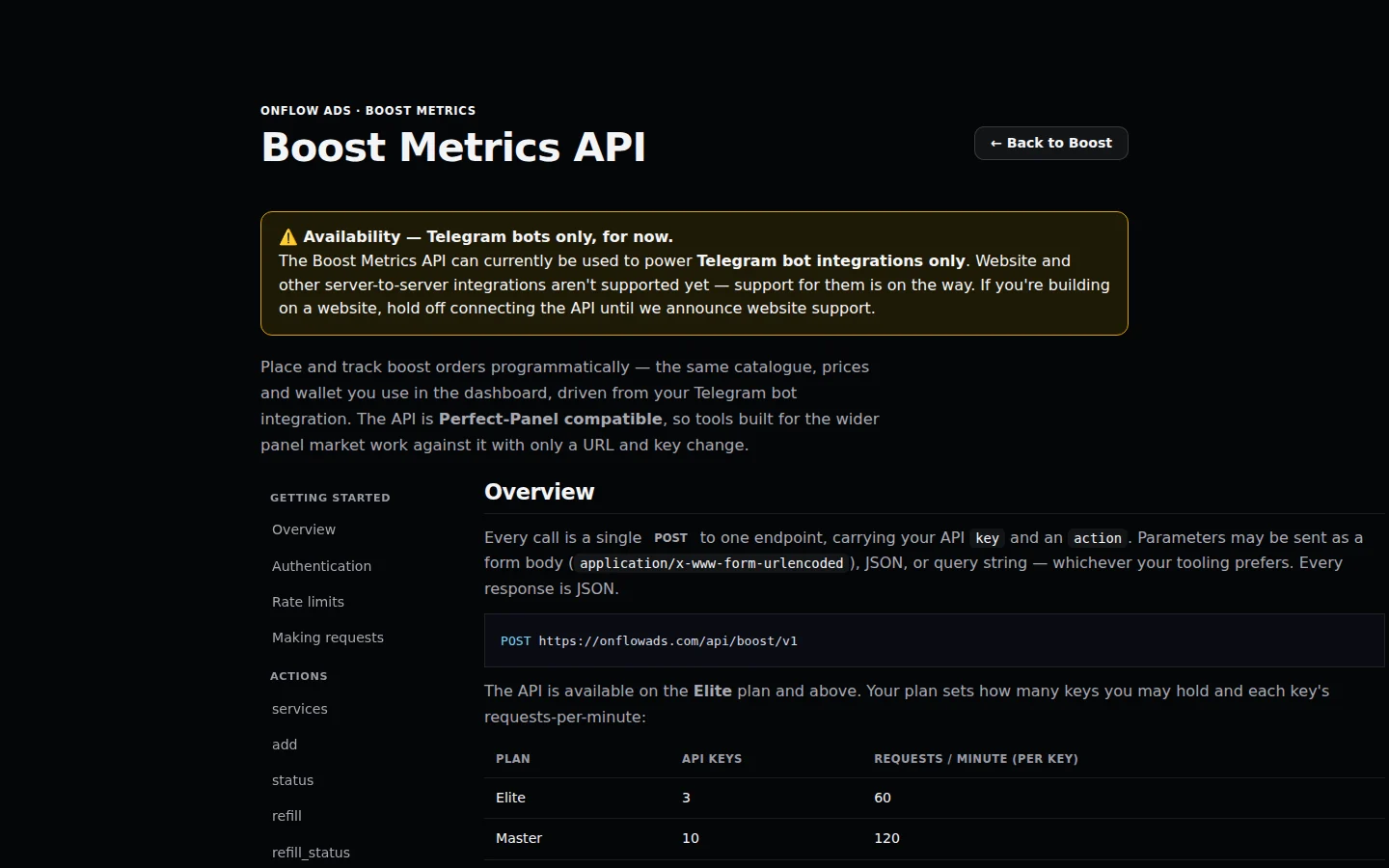
The in-dashboard API reference. The left rail jumps between Getting started and each action; the endpoint and your plan's key and rate limits are stated at the top.
The Boost API can currently be used to power Telegram bot integrations only. Website and other server-to-server integrations aren't supported yet — support for them is on the way. If you're building on a website, hold off connecting the API until website support is announced.
Overview
Every call is a single POST to one endpoint, carrying your API key and an action:
POST https://onflowads.com/api/boost/v1
Parameters may be sent as a form body (application/x-www-form-urlencoded), JSON, or query string. Every response is JSON.
The API is available on the Elite plan and above. Your plan sets how many keys you may hold and each key's requests-per-minute:
| Plan | API keys | Requests per minute (per key) |
|---|---|---|
| Elite | 3 | 60 |
| Master | 10 | 120 |
| Ultimate | 25 | 300 |
Creating and managing keys
- Open your Boost dashboard and switch to the Developer view (or "Developer API").
- Press the create/mint key button. The full key (it starts with
bk_) is shown once — copy and store it securely. Afterwards only its prefix is visible; a lost key can only be revoked and replaced. - Each key row shows when it was created, when it was last used and how many calls it has made, with Rotate (revoke and mint a replacement) and Revoke actions.
A key is tied to your account and spends from your wallet — anyone holding it can place orders billed to you. Revoke a leaked key immediately from the dashboard.
Authentication
Send the key with every request, in any one of:
- the
keyparameter (form / JSON / query), or - an
Authorization: Bearer YOUR_API_KEYheader, or - an
X-Api-Key: YOUR_API_KEYheader.
Rate limits
Each key is limited to your plan's requests-per-minute. Exceeding it returns HTTP 429 with an error message. Space your polling out — an order's status doesn't change second-to-second.
Making requests
# form-encoded
curl https://onflowads.com/api/boost/v1 \
  -d key=YOUR_API_KEY \
  -d action=balance

# JSON
curl https://onflowads.com/api/boost/v1 \
  -H "Content-Type: application/json" \
  -d '{"key":"YOUR_API_KEY","action":"balance"}'

# header auth
curl https://onflowads.com/api/boost/v1 \
  -H "Authorization: Bearer YOUR_API_KEY" \
  -d action=services
Actions
services — list what you can order
Lists every service your account may order, priced for your plan (USD per 1,000 units — your plan's standing discount and any volume rate-break are already included).
[
  {
    "service": 1,
    "name": "Telegram Channel Members",
    "type": "Default",
    "category": "Telegram",
    "rate": "2.4000",
    "min": 10,
    "max": 1000000,
    "refill": true,
    "cancel": false,
    "dripfeed": true
  }
]
add — place an order
Charged to your wallet exactly as in the dashboard — same price, same boost-credit-then-cash split, same automatic refund if no provider accepts it.
| Parameter | Required | Description |
|---|---|---|
service | yes | The service id from services. |
link | yes | The target link or @username. |
quantity | yes | Units to deliver, within the service's min/max. |
runs | no | Drip-feed: number of batches (send together with interval). |
interval | no | Drip-feed: minutes between batches (send together with runs). |
coupon | no | A discount code to apply. |
request_id | no | Your idempotency key — resend the same one to retry safely without ordering twice. |
curl https://onflowads.com/api/boost/v1 \
  -d key=YOUR_API_KEY \
  -d action=add \
  -d service=1 \
  -d link=https://t.me/yourchannel \
  -d quantity=1000
Response:
{ "order": "BO-7K2M9XQ4" }
Pass a unique request_id per intended order. If a network error leaves you unsure whether an order was placed, resend the identical request with the same request_id — the API returns the original order instead of charging you a second time.
status — check an order
Pass order (one id) or orders (up to 100 ids, comma-separated).
{
  "charge": "2.4000",
  "start_count": 1240,
  "status": "In progress",
  "remains": 320,
  "currency": "USD"
}
With orders, you get one result per id keyed by order id; unknown ids return an error entry. Batched status is served from recently synced delivery data rather than a fresh provider check per order, so it can lag a single-order status call by a moment.
refill — request a refill
Requests a refill on a settled order whose count has dropped, while it's inside its guarantee window. Only available on services where refill is true. Pass order (or orders for up to 100 at once).
{ "refill": "91245" }
refill_status — check a refill
Pass refill (or refills, comma-separated). Returns Completed, Pending, In progress or Rejected.
{ "status": "Completed" }
cancel — stop in-flight orders
Pass orders (up to 100 ids, comma-separated; a single order works too). Only available for services where cancel is true. Only the undelivered remainder the provider returns is refunded — back to the balance it was paid from (boost credit as credit, wallet cash as cash). Delivered units are non-refundable; refunds settle as soon as the provider confirms.
[
  { "order": "BO-8F2A11AA", "cancel": 1 },
  { "order": "BO-9C10ZZZZ", "cancel": { "error": "Incorrect order ID" } }
]
balance — your spendable balance
Wallet cash plus boost credit, in USD.
{ "balance": "128.5000", "currency": "USD" }
Order statuses
The status field returns one of: Pending, In progress, Processing, Completed, Partial, Canceled, Refunded.
- Partial — part of the order couldn't be delivered; the undelivered portion is refunded automatically, back to the balance it was paid from.
- Canceled — terminal; the refund covers only the undelivered remainder the provider returns.
- Refunded — fully refunded (e.g. no provider accepted it, or cancelled before any delivery).
Errors
Errors return an error field with a human-readable message:
| HTTP | Meaning |
|---|---|
400 | Missing or invalid parameters (e.g. unknown action). |
401 | Missing, unknown or revoked API key. |
429 | Rate limit exceeded for this key. |
500 | The request could not be completed — safe to retry with the same request_id. |
503 | Temporarily unavailable — retry after a short wait. |
Order-level failures — insufficient balance, a bad link, a quantity outside the service's range, a plan limit — come back as an error field in the response body (for example, an add without enough balance returns an error telling you exactly how much you are short).
A failed add never leaves you charged: if no provider accepts the order, it's refunded in full to the pocket it was paid from.
Webhooks (Master plan and above)
Instead of polling status, register a URL and Onflow Ads will POST a JSON event to it the moment an order reaches a terminal state. Add and manage webhooks in the dashboard's Developer view (under "Order webhooks"). Webhook URLs must be https and publicly reachable; you can hold up to 10 active webhooks.
Events: order.completed, order.partial, order.refunded, order.canceled.
Payload shape:
{
  "event": "order.completed",
  "order": { "...": "the full order object — id, service, quantity, delivered, status, charge, timestamps" },
  "at": "2026-07-24T09:54:00+00:00"
}
Each delivery also carries an X-Boost-Event header naming the event.
Verifying the signature. Every delivery carries an X-Boost-Signature header of the form sha256=HEX — an HMAC-SHA256 of the raw request body, keyed with your webhook's signing secret (shown once when you add the webhook). Recompute and compare in constant time before trusting the payload:
# Python
import hmac, hashlib
expected = "sha256=" + hmac.new(secret.encode(), raw_body, hashlib.sha256).hexdigest()
if hmac.compare_digest(expected, request.headers["X-Boost-Signature"]):
    ...  # genuine
Respond with a 2xx status to acknowledge. A webhook that keeps failing is retried on later events and automatically disabled after a run of failures — re-add it once your endpoint is back.