Auctions and Bidding
Channel owners can auction off prime slots — premium pinned placements sold to the highest bidder instead of at a fixed price. Auctions live at https://onflowads.com/telegram/dashboard/paid-promotion/auctions (the Auctions pill), and a channel with a live auction also shows a gold auction strip on its own page.
Bidding is open to every plan, including Free. (Hosting an auction is a channel-owner feature on paid plans — the selling side is covered on the "Running auctions on your slots" page in the channel-owner section of this guide.)
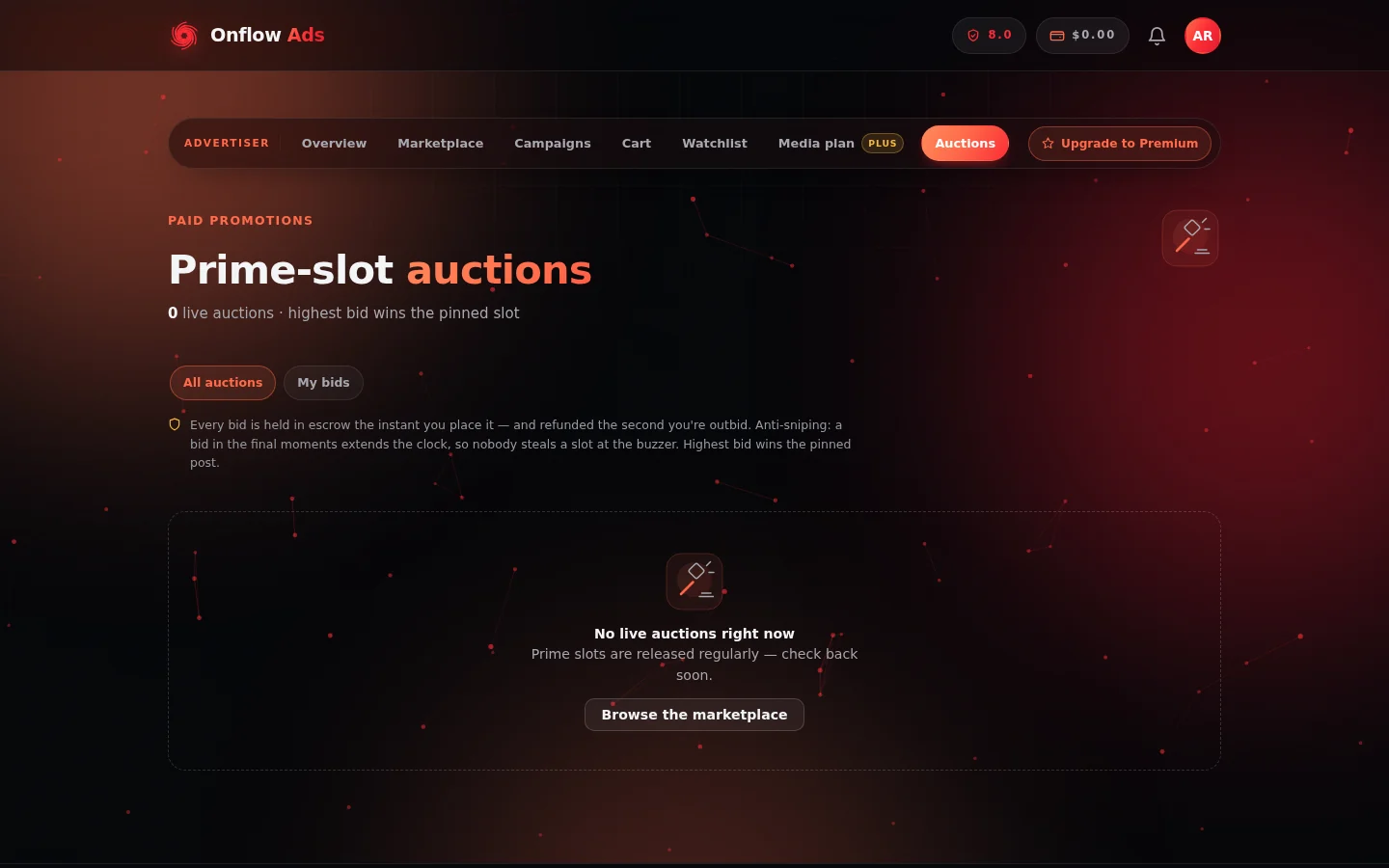
The Auctions page. The "All auctions" and "My bids" tabs switch between the whole board and the auctions you have money on; the rules sit above the grid so you read them before you bid.
The rules, up front
The page states them above the grid:
- Every bid is held in escrow the instant you place it — you can only bid money you actually have, and the hold is your bid.
- You're refunded the second you're outbid. No waiting for the auction to end.
- Anti-sniping: a bid in the final minutes extends the clock, so nobody steals a slot at the buzzer. (The extension window is shown by the auction UI.)
- Highest bid wins the pinned post.
Reading an auction card
Each card shows the channel (click through to its listing), the slot format being auctioned, a live per-second "Ends in" countdown (turning red in the final minutes), the current bid (or starting bid if nobody has bid), and the bid count, plus the channel's subscribers and average views.
- Reserve badges — some auctions carry a hidden reserve price. You'll see "Reserve met" or "Reserve not met"; the amount itself is never published (publishing it would just become the opening price).
- Your position — once you've bid, the card shows "You're winning · $X" in green or "Outbid · your $X", and, if you set one, "Auto-bidding up to $Y".
- The "My bids" tab filters to auctions you've bid on.
Placing a bid
- Click "Bid $X" on a live auction card (the amount shown is the next valid bid — current bid plus the increment).
- An inline form opens:
- "Ad post you'd run if you win" — pick one of your saved ad posts. This is required: your creative travels with the bid so a win can settle instantly into a real booking. If you have no saved ad post yet, the form links you to the composer to create one first.
- "Auto-bid up to (optional)" — on plans with proxy bidding (Elite and above), set a maximum and the system bids on your behalf: it answers each rival bid with the minimum needed to keep your lead, up to your cap, including through anti-snipe extensions.
- Click "Confirm". Your bid amount is held from your wallet into escrow immediately. The note under the form repeats the promise: "Held in escrow · refunded instantly if you're outbid."
The confirmation message is precise about what happened — including when another bidder's auto-bid immediately beat you (your funds are released right back in that case, and the card shows the new price to beat).
Bidding also requires the standard Paid Promotions reliability floor (shown if you're below it), and enough wallet balance to cover the bid — you'll be prompted to top up otherwise.
Winning
When the clock runs out, the highest bid wins (provided any reserve was met):
- Your held bid becomes the payment — you're charged your winning bid, never more — and the slot books automatically as a normal order using the ad post you attached.
- The won placement appears on your Campaigns page with the same escrow protection, delivery monitoring, proof archive and dispute rights as any other booking.
- Only the leading bid is ever held — every other bidder was already refunded the moment they were outbid.
- Your card shows "You won this slot 🎉".
If an auction ends without meeting its reserve (or with no bids), the slot goes unsold and every hold is released.
Next: Orders and campaigns — a won slot lands there as an ordinary order, with the same protections as anything you booked at a fixed price.